

Connecting to Stewart Guest WiFi
Instructions for Stewart Guests
Step 1 | Before you can connect, please reach out to your Stewart contact (or Stewart employee) to inform them of your request to access guest WiFi.
Step 2 | From the list of Available Networks, select the “Stewart_Guest” SSID and a splash page will be displayed automatically. If using an Apple device, the Apple pop-up window will show the splash page. Enter your name and email address.
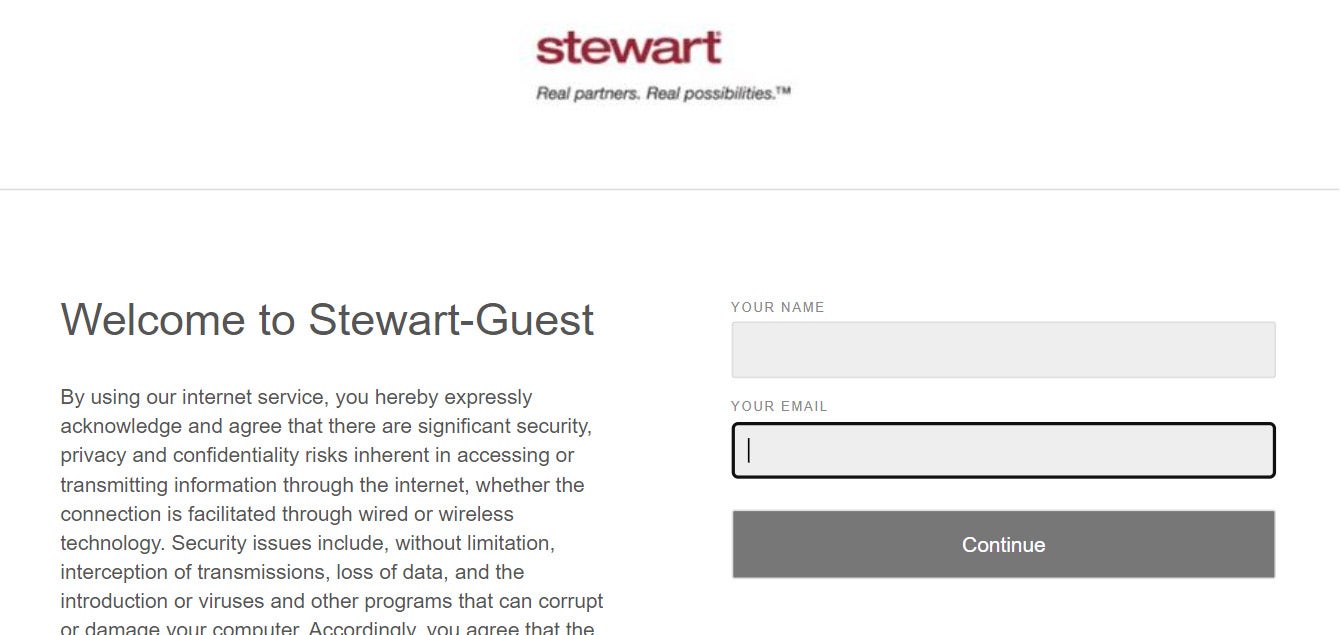
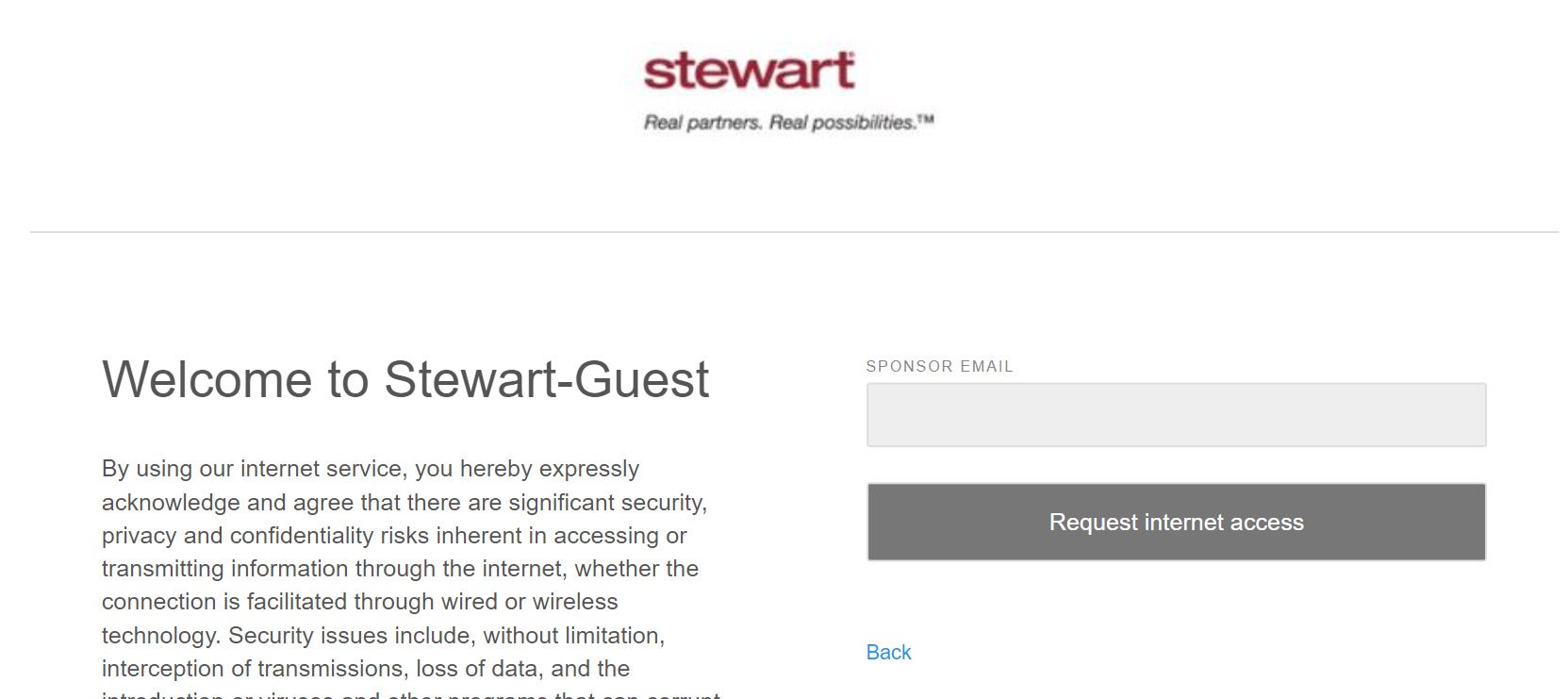
Step 3 | Once you have entered your credentials, you will then be prompted to enter your Stewart sponsor’s email address (@Stewart email address).
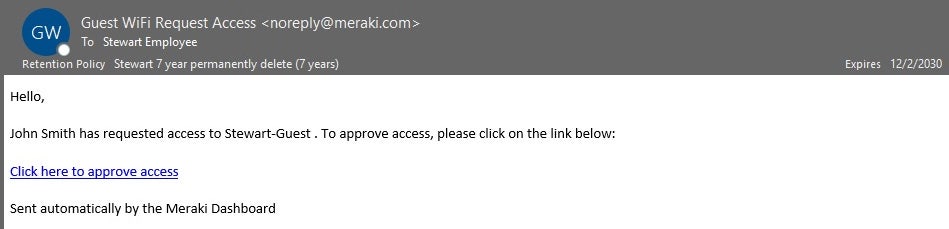
Step 4 | The Stewart employee will receive an email notification requesting approval and a link to approve
the guest access. Please reach out to your Stewart employee contact as needed to confirm receipt and approval.
Step 5 | After the Stewart employee clicks on the link in the email, a new page will open indicating that
the request has been approved.
Please Note
Access is only good for one day (resubmit the form to extend access).
For further assistance, please contact Stewart Customer Care @ 1-855-330-2800